Noctua
A beautiful, minimal clock app for Linux and Android.
Animated backgrounds. Per-screen colours. Alarms that fire.
Made by 🌈 opennomad ✨ · Codeberg · GitHub
Screenshots
Horizontal swipe, arrow keys, or the icon pills on the left edge.
Clock
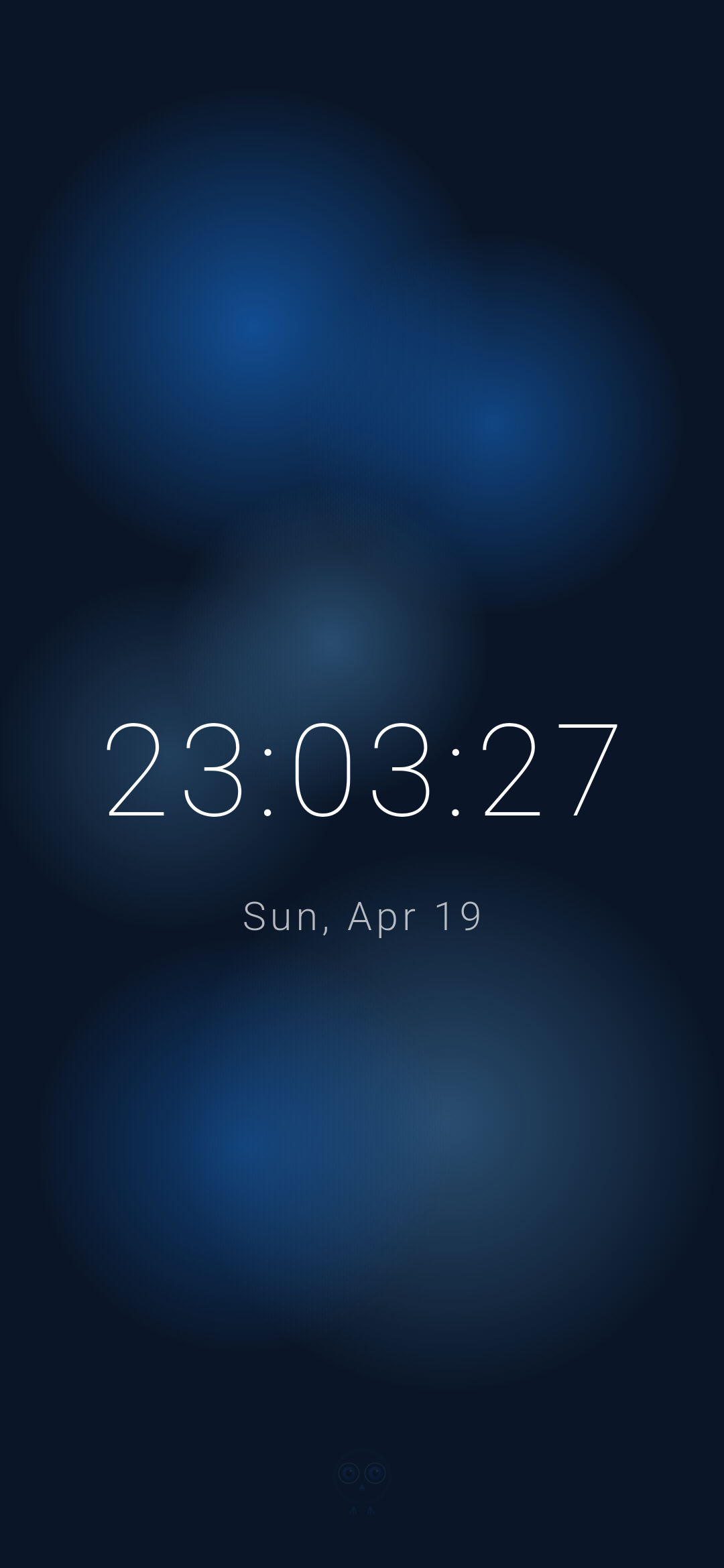 Digital time and date. Configurable font and colour. Moon icon toggles night mode — dimmed display, no seconds or date.
World Clock
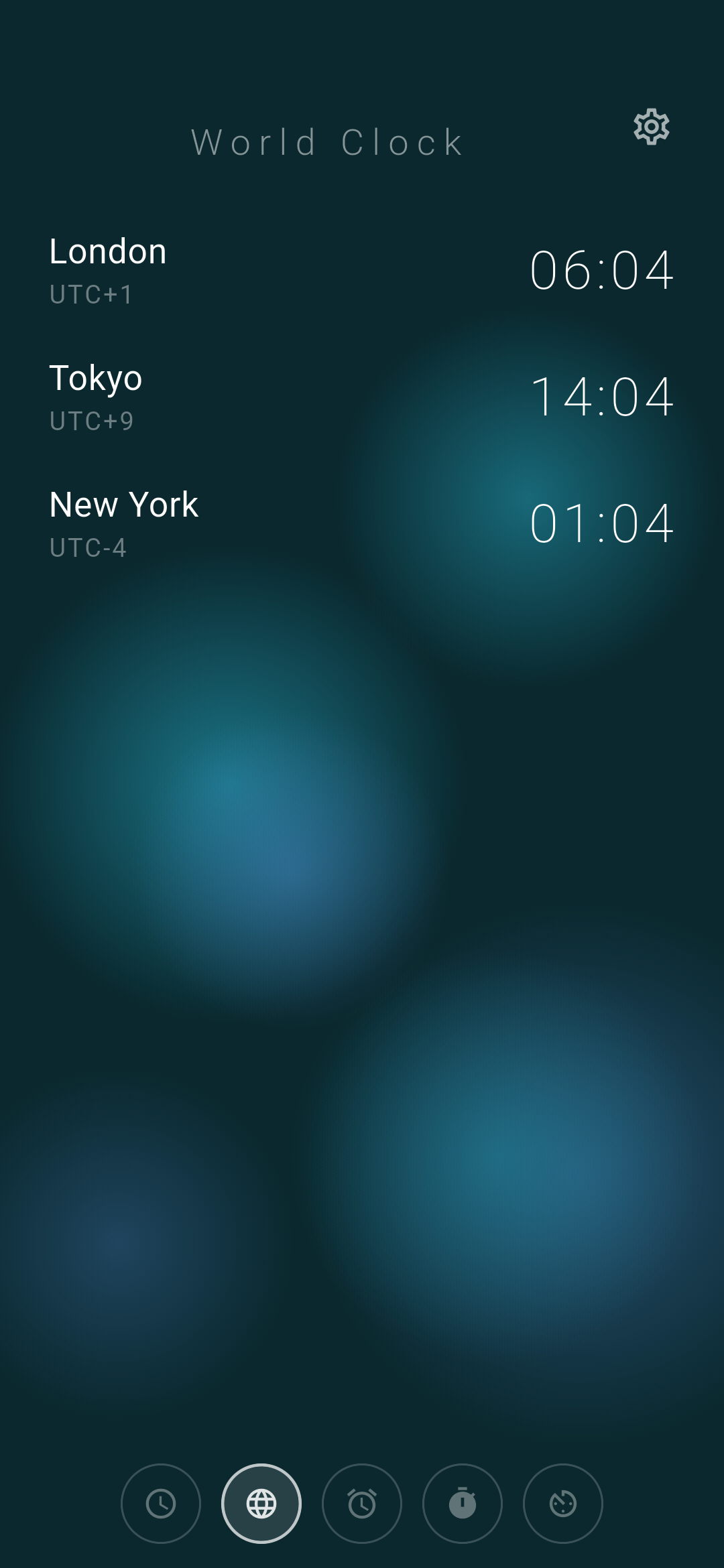 Search 115 cities or add a custom UTC offset. Drag to reorder. DST-aware.
Alarm
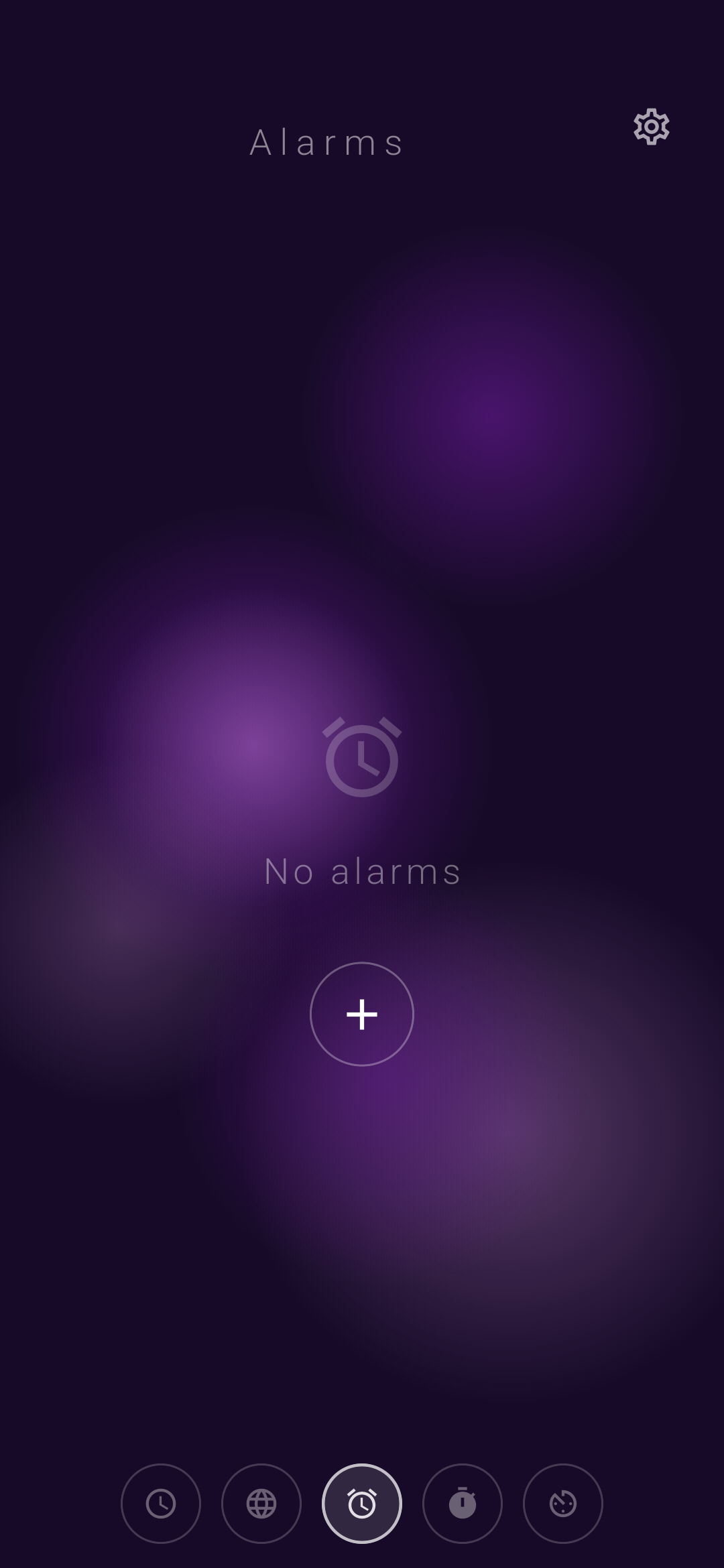 One-shot and repeating alarms. Emoji shortcode labels (
:bell:, :fire:, :pizza:). Day-of-week toggles. Dismiss or snooze 10 min.
Timer
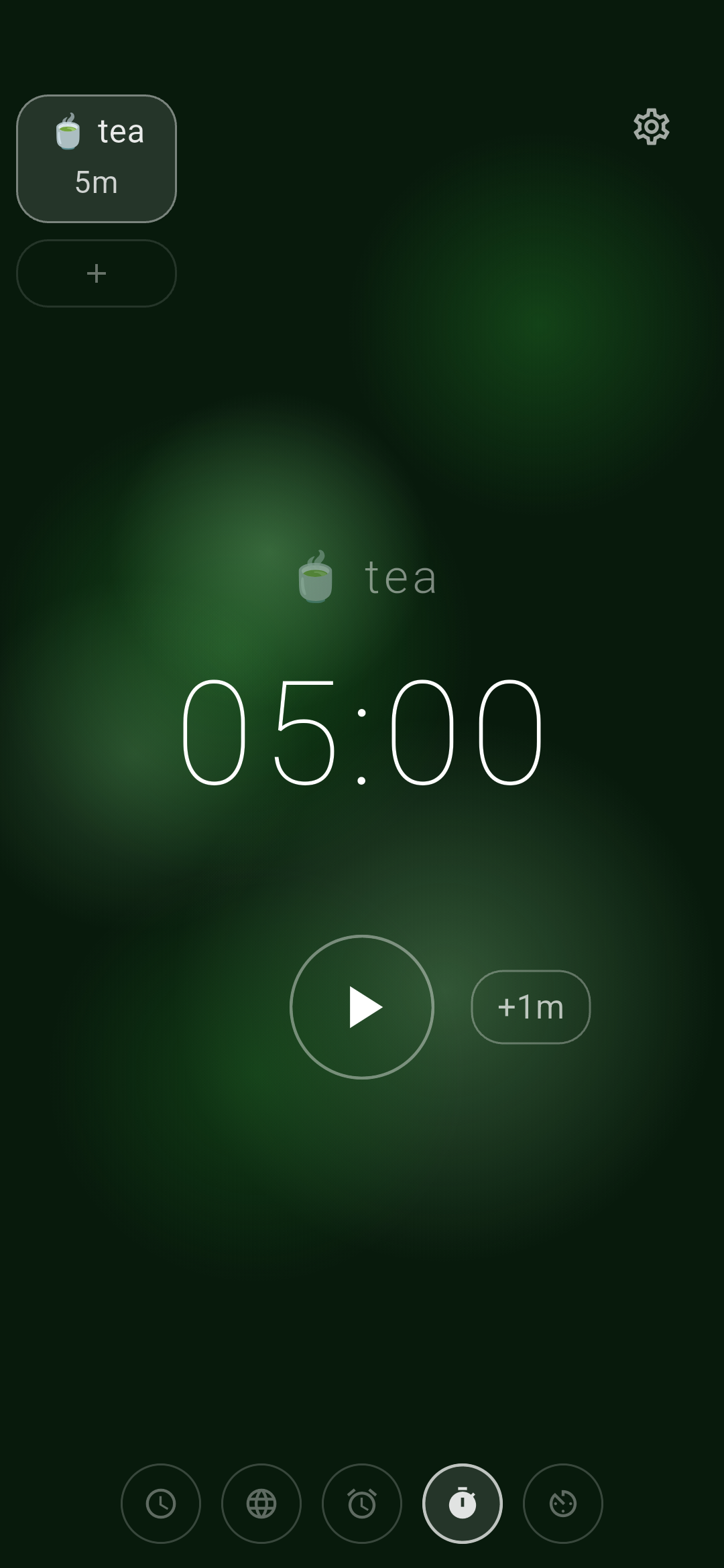 Scroll-drum input. Multiple simultaneous timers. Saved presets with emoji names. State persists across restarts.
Stopwatch
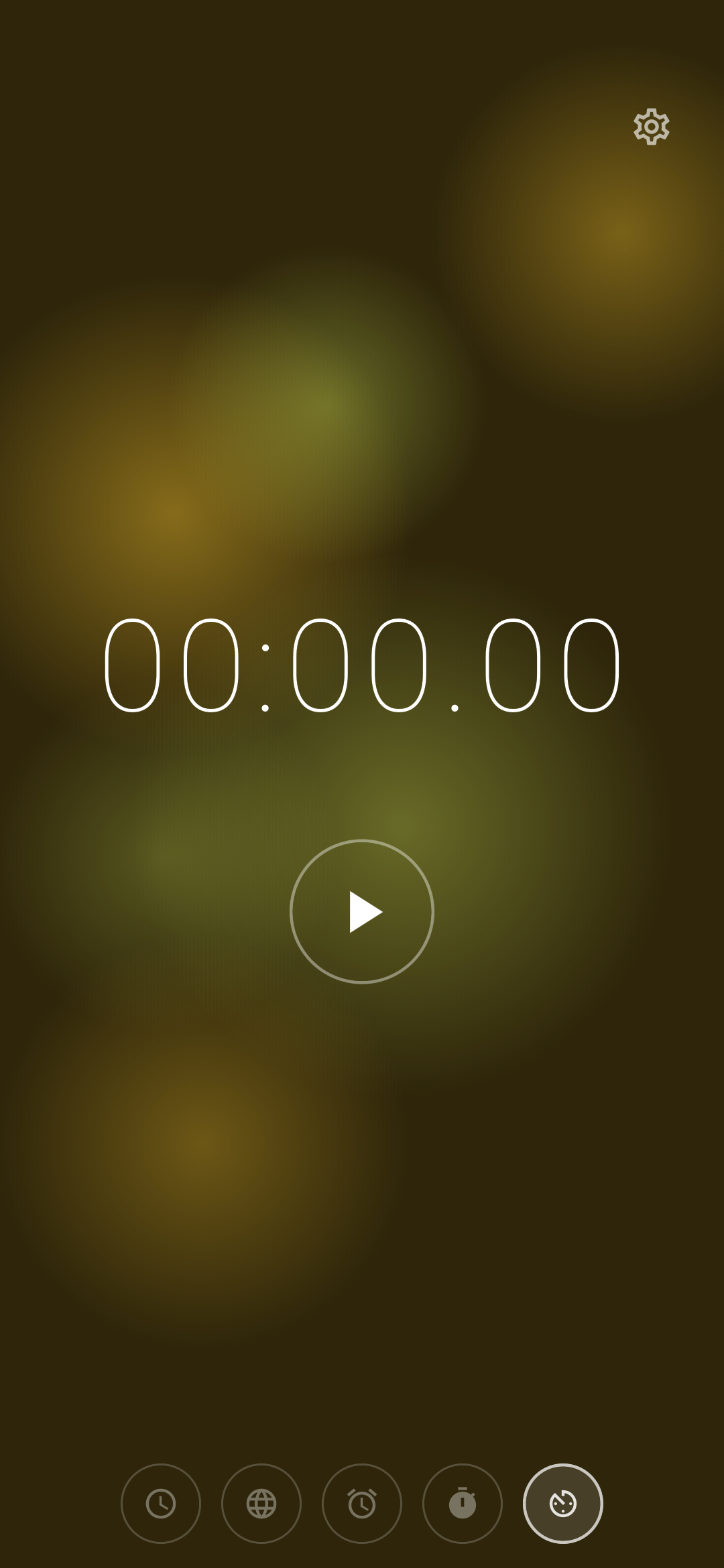 Lap recording with fixed-width layout.
Settings
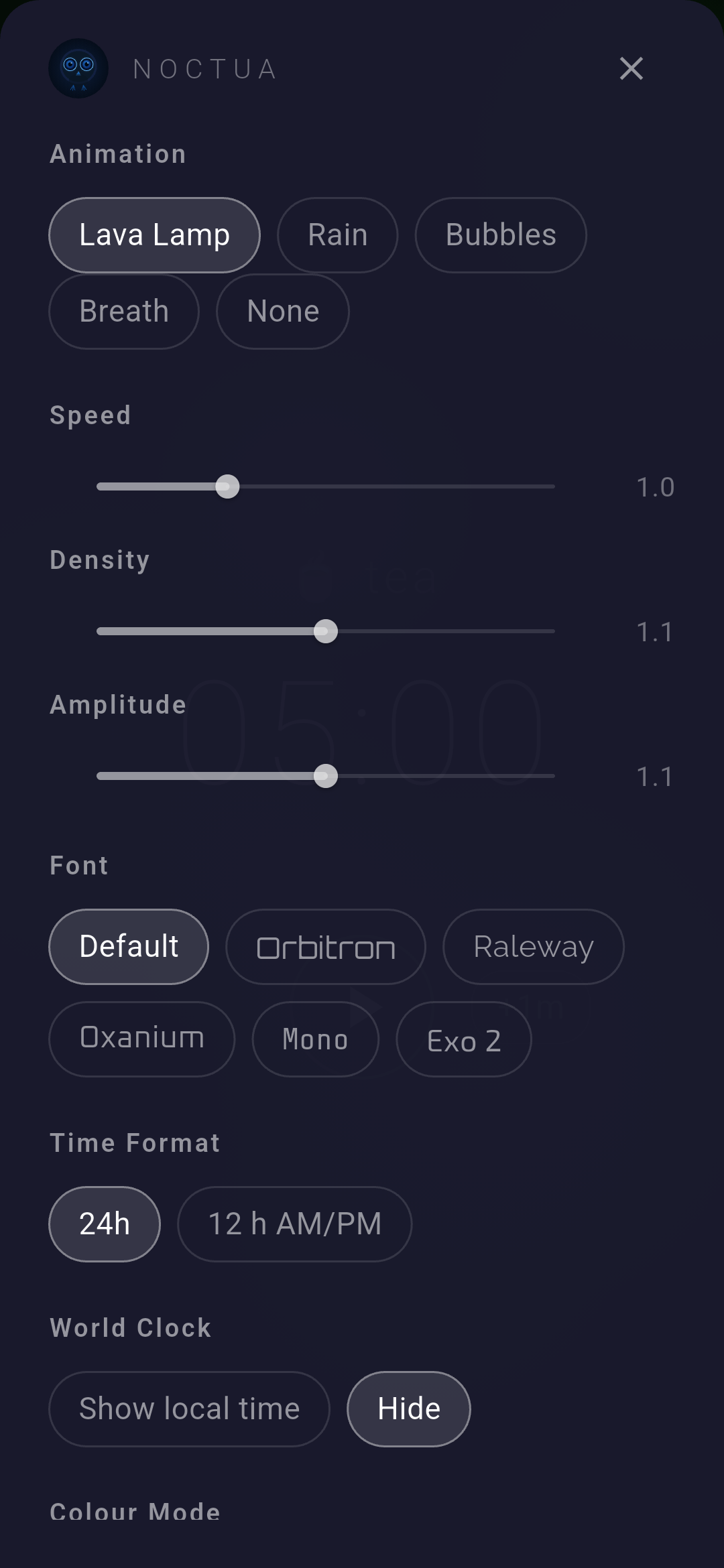 Animation, font, time format, colour mode (dark/light/system), alarm and timer sounds, per-screen colour, keyboard shortcuts.
Features
Animated Backgrounds
Five styles — Lava Lamp, Raindrops, Bubbles, Breath, or None. Bubbles runs on the GPU via GLSL. Breath is a morphing organic blob. Speed, density, and amplitude are tunable.
Per-Screen Colour
Each screen gets its own colour. Pick from named presets (blue, purple, green) or dial in a custom hue. Independent settings for dark and light modes.
Sound Selection
Android pulls ringtones directly from the system. On Linux, any .oga or .wav in /usr/share/sounds/freedesktop/stereo is available. Separate pickers for alarm and timer.
24h / 12h Format
One tap in settings. Applies everywhere — Clock, World Clock, alarm list, and time picker.
Saved Timer Presets
Name presets with emoji shortcodes — :tea:, :pomodoro:, :pizza:. Type :te and a suggestion row appears. New presets activate immediately on save. Edge pills on the left auto-hide after 3 seconds.
Keyboard Navigation
Arrow keys cycle screens. Bindings are configurable. Disabled automatically while typing.
Settings Overlay
Tap anywhere to reveal the gear icon. It hides after 3 seconds. The sheet covers animation, font, time format, colour mode, sounds, per-screen colour, and keyboard bindings.
Config File
JSON at ~/.config/noctua/noctua_config.json (Linux) or app documents (Android). Hand-edit if you want.
Getting Started
Requirements
| Platform | Minimum |
|---|---|
| Linux | GTK 3, PulseAudio (paplay) |
| Android | API 21 (Android 5.0) |
Linux (from source)
git clone https://github.com/opennomad/noctua.git
cd noctua
mise exec -- flutter run -d linux
mise manages the Flutter and Dart toolchain. Install it first if you haven't, then run mise install in the project root.
Android (prebuilt)
Android (from source)
mise exec -- flutter run
On first launch Noctua requests notification, exact alarm, and full-screen intent permissions. All three are needed for alarms to fire and show on the lock screen.
Linux (prebuilt)
Download and extract the tarball, then run noctua:
Technical
Built with Flutter 3.41 / Dart 3.11.
| Package | Purpose |
|---|---|
flutter_local_notifications |
Alarm and timer notifications on Android |
timezone |
DST-correct world clock and alarm scheduling |
google_fonts |
Runtime font loading |
path_provider · xdg_directories |
Platform config paths |
Source: github.com/opennomad/noctua
Noctua — named for the little owl.